Stickers, Scarcity, and the Six-Second Scan: The Rise of Place-Based QR Phishing

Photo: Gangulybiswarup, CC BY 4.0, via Wikimedia Commons
Quick-response codes were supposed to be a convenience, not a security decision. In practice, every QR code in public is a small act of trust: you point a camera at a sticker, a table tent, or a laminated sign and let it choose where your phone goes. Scammers have noticed. In 2026, fake codes are appearing on parking meters, restaurant tables, delivery notices, and public signage, turning ordinary errands into phishing opportunities.
The attack is physical before it is digital
Place-based QR phishing, sometimes called quishing, does not require a sophisticated exploit. It requires access to a surface people already expect to scan. An attacker can place a sticker over a legitimate code, print a fake table card, or leave a convincing notice on a door. The code itself points to a webpage designed to look like a parking payment portal, a menu, a parcel redelivery service, or a building visitor check-in.
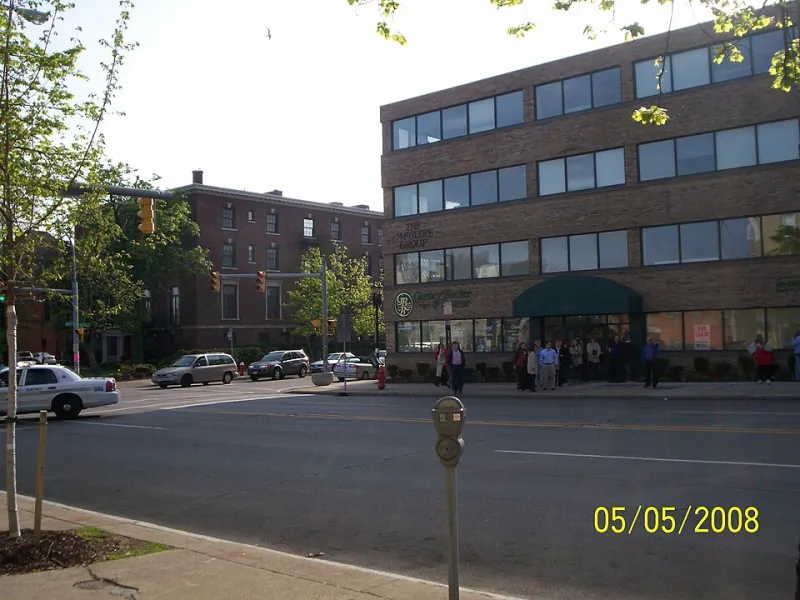
The page usually asks for something valuable: card details, a login, a phone number, or permission to install an app. Because the request arrives in a place where a transaction is already expected, it feels routine. The victim is not sitting at a computer comparing domain names. They are standing at a meter with a meter maid in sight.
Why busy people comply
Place-based attacks exploit context, not credulity. A parking meter conveys authority. A restaurant table conveys routine. A delivery notice on a door conveys urgency. The QR code is small, the phone screen is small, and the URL is often hidden behind a preview. In the six seconds it takes to scan, the brain is answering a social question — is this the normal way to pay here? — rather than a technical one.
Scammers also benefit from the short-link economy. Many legitimate QR codes use redirects and tracking domains, so users are accustomed to seeing unfamiliar URLs after a scan. That makes a fraudulent destination less obviously anomalous.
What the fake pages look like
The most common pattern is a payment page that collects card number, expiration date, and security code. A second pattern is a credential-harvesting page that mimics a parking app, a delivery service, or a public Wi-Fi login. A third is an install prompt for a malicious app or a profile that grants broad permissions. Not every fake code leads to malware, but every fake code is designed to extract something.
The pages are often mobile-optimized, which makes them harder to inspect. Address bars are truncated. Branding is copied. The payment form may even work well enough to seem legitimate before failing with an error.
Reading the physical object
Before scanning a public code, look at the code as an object. Is it a sticker placed over another sticker? Are the edges peeling? Does the signage look improvised? Does the code sit on a surface where a legitimate code would not normally be laminated? These are not guarantees, but they are useful signals.
After scanning, stop before entering anything. Most phone cameras preview the destination URL. Check whether the domain matches the organization you expect. A parking meter in a US city should not send you to a random subdomain with no obvious municipal connection. If the page asks for a card before showing a rate or a session, treat that as a warning.
The institutional side
Municipalities and businesses have a role that goes beyond consumer vigilance. Parking authorities can inspect meters and use tamper-evident signage. Restaurants can avoid table codes that redirect through third-party trackers. Property managers can date-stamp delivery notices and train staff to remove unofficial stickers. Public agencies can publish the official payment app or URL so residents have a known-good reference.
Reporting matters too. A fake code removed from one meter may be one of dozens. Consumers should tell the venue, the city, or the property manager, and should preserve a photo of the code and the page it opened. That evidence helps businesses warn other locations.
If you already scanned
If you scanned a suspicious code but did not enter information, close the page and clear the browser tab. If you entered card details, contact your bank or card issuer promptly and explain what happened. If you entered a password, change it from a separate device and enable stronger authentication. If you installed an app or profile, remove it and consider a security check.
A calmer default
QR codes are not going away, and they are not inherently unsafe. The practical rule is to treat a public code as a claim, not a command. Prefer official apps and typed addresses for payments. Ask staff when a table code looks off. Use the phone's URL preview. And remember that the most dangerous part of a place-based phishing attack is not the code itself — it is the assumption that the place has already done the checking for you.