The Backseat Black Box: What a Rental Fleet Knows Before You Return the Keys
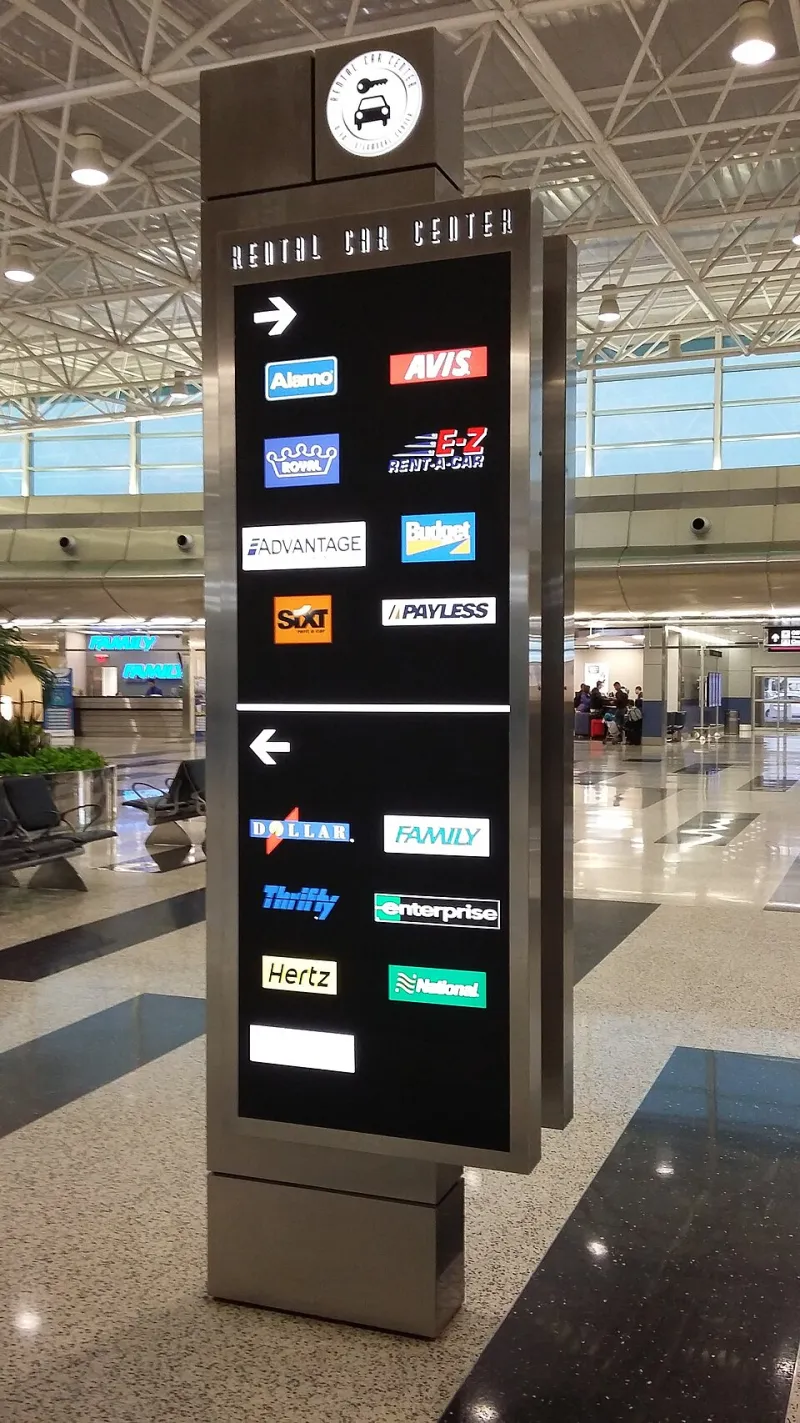
Photo: Xnatedawgx, CC BY-SA 4.0, via Wikimedia Commons
The rental counter is the last administrative hurdle between a traveler and a vacation. You initial a screen, decline the extra coverage, find the car in row 34, and — still holding a suitcase — start pairing your phone before you have left the lot. In under a minute the vehicle's infotainment system may have copied your contacts, indexed your recent calls, and written a device profile keyed to your phone's identity. The operator, meanwhile, holds a record of where that car went for the next four days.
None of this requires a hidden device or a malicious actor. It is the ordinary operation of a connected fleet, and it is worth understanding before the next trip.
A Fleet Car Is Not Your Car
An owned vehicle is a private arrangement between a driver and a machine. A rental is a commercial one, and the difference is structural. The car belongs to an operator, is managed through a telematics platform, and is governed by a rental agreement that many customers read only as far as the fuel policy. The same hardware that lets a fleet manager locate a vehicle, schedule service, and reconcile tolls also records speed, braking, location pings, and ignition events. Those capabilities are not incidental — they are the reason fleet telematics exists in the first place.
A single rental may carry three or four separate data streams: factory-installed telematics from the automaker, an aftermarket unit attached to the diagnostic port, a toll transponder, and the infotainment head unit itself. Each may be operated by a different company under a different contract, and each may be described in a privacy notice that was never physically placed in your hand.
What Pairing Actually Hands Over
Bluetooth pairing is usually presented as a convenience, and most drivers treat it as a neutral act. On a modern head unit it is closer to a data-sharing arrangement. The system requests permission to sync contacts, call history, and text messages, and many vehicles copy the address book into onboard storage rather than reading it live. That copy can persist after the phone has driven away.
The relationship runs in both directions. Your phone keeps a profile for the vehicle, including its identifier, and will reconnect automatically the next time you rent from the same fleet. If you have allowed message previews on the center screen, the car has also displayed the content of texts that were never meant for a shared cabin.
This is why the phrase just connect via Bluetooth is not a neutral instruction. It is a choice about which of your personal records get copied onto equipment you will return, and which equipment gets remembered by a phone you will keep.
The Telematics Layer Beneath the Dashboard
Below the screen sits the quieter layer. Fleet telematics typically logs position at intervals, ignition cycles, fuel or charge level, mileage, and diagnostic codes. Some platforms add harsh-braking and acceleration events, which are useful for maintenance planning and, in some programs, for damage or toll disputes. Whether a given trip is scored depends entirely on the operator and the contract.
The point for a renter is not that every rental company builds a driving-behavior profile of every customer. It is that the capability is standard, disclosed in language few people find, and increasingly shared with service providers — roadside assistance networks, toll processors, fleet software vendors, and sometimes marketing partners. Reading the privacy section of a rental agreement is dull work; it is also the only place the arrangement is spelled out.
The App You Installed at the Counter
Many travelers download the rental company's app on the way to the lot, mostly to skip the counter line. Those apps frequently request location, camera, notifications, and Bluetooth access. Location is defensible while the rental is active and less so afterwards; camera access is used for damage photos you may never take; notifications become marketing.
Permissions granted in a hurry have a way of lasting for years. The app is worth revisiting a week after the trip, when the answers to does this still need location all the time are easier to give.
Questions Worth Asking, Politely
- Does this vehicle record location and driving data, and who receives it?
- Does the infotainment system store contact or message data, and how is it cleared between rentals?
- What is the retention period for trip data, and is there a way to request a copy or deletion?
- Does the company's privacy notice list categories of third parties, or only the vague phrase service providers?
Under state privacy laws such as California's, consumers in some jurisdictions have rights to know, delete, and opt out of certain sharing. Those rights are usually exercised through a web form rather than a counter conversation, but asking for the privacy notice as a document — not a link to open later — is a reasonable start.
Habits That Cost Nothing
Decline contact and message sync when the pairing prompt appears; some systems let you pair as a media device only. Before returning the car, delete the vehicle from your phone's Bluetooth list and remove the saved profile. If all you need is power, the 12-volt socket with your own adapter avoids the USB port that can also carry a data connection. Photograph the car's condition yourself rather than relying solely on the return inspection. Revoke the rental app's location permission once the trip ends.
None of these steps makes a rental private. They simply narrow the gap between what the fleet records by default and what a traveler has consciously agreed to hand over.