The Window With No Curtains: What Private Browsing Still Shows the Rest of the Internet

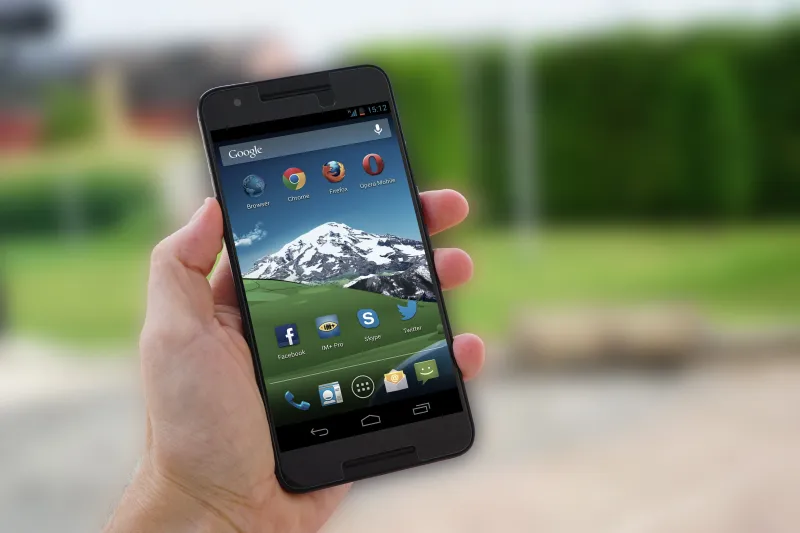
Photo: Shixart1985, CC BY 2.0, via Wikimedia Commons
Few settings carry a stronger reputation than the private window. The darkened tab, the small icon of a hat and glasses, the reassuring line about not saving history — together they suggest a mode of disappearance. The suggestion is mostly wrong, and the gap between expectation and reality has caused real harm to people who assumed the window was a shield.
Private browsing is a local housekeeping tool. It is worth understanding exactly how far that housekeeping reaches.
What the Mode Is Designed to Do
A private window declines to write certain records to the device it runs on. Browsing history for that window is not added to the local log. Cookies created during the session are discarded when the last private tab closes, which means a fresh session on the next visit. Form entries and search suggestions are not remembered. On a shared or borrowed computer, this is genuinely useful: it prevents the next person from reading where you went.
It is also useful for a narrower purpose people rarely articulate — logging into a second account on the same site without disturbing the first session, or checking how a page looks to a signed-out visitor.
That is roughly the full scope. Everything else is unchanged.
The Network Still Sees the Request
Your traffic leaves the device as ordinary traffic. The internet service provider, the office network, the university firewall, the hotel or coffee shop access point, and the DNS resolver all observe the destination address and the timing, whether or not the browser kept a local record. On a managed work laptop, the security agent installed by the employer may retain far more detail than the browser ever would.
Encrypted DNS and modern transport protocols narrow what a resolver can read, but they do not hide which server you contacted. The record of a connection, even without its contents, can be revealing on its own.
The Site Still Sees You
If you sign into an account in a private window, everything that follows is tied to that account on the server side. The provider logs the session, the pages viewed, the IP address, and the device details. Closing the window erases your local copy of the session, not theirs.
Beyond login, sites build a picture from what the browser volunteers: screen dimensions, installed fonts, graphics rendering quirks, time zone, language, and the behavioral rhythm of mouse movement and typing. Fingerprinting scripts assemble these into a value that can be stable enough to link visits without any cookie at all. Private mode changes very little of this — and on some platforms the mode itself is detectable, adding a distinguishing mark rather than removing one.
Extensions and the Things That Persist
Extensions complicate the picture. Some run in private windows only when explicitly permitted; others are enabled by default. An extension with permission to read page content can observe what you do regardless of which window you used. A password manager extension, if allowed in private sessions, may still autofill credentials, and its own logs live outside the browser.
Downloads and bookmarks persist. A file saved during a private session remains in the downloads folder with a timestamp. The same is true of bookmarks added, and of anything printed or captured to the clipboard.
The Gap Has Narrowed Anyway
Much of what users once sought from private mode is now default protection in normal mode. Chrome blocks third-party cookies by default in Incognito. Firefox ships enhanced tracking protection and total cookie protection, which partitions storage per site. Safari's Intelligent Tracking Prevention does similar work. The practical difference between a normal window and a private one has shrunk to local history and session cleanup — meaningful, but not a privacy transformation.
Where a VPN Helps, and Where It Stops
A reputable VPN conceals your IP address from the sites you visit and hides destinations from the local network, shifting trust to the VPN operator. It does nothing about account linkage, fingerprinting, or the site's own logs. A free VPN, meanwhile, often pays for itself by monetizing exactly the traffic metadata users hoped to hide.
For separation that lasts more than a session, browser profiles are the sturdier tool. A dedicated profile per context — personal, work, research — keeps cookies, extensions, and sign-ins apart, and unlike a private window it survives a restart. Firefox's container feature offers similar separation within one window.
Matching the Tool to the Question
If the concern is a partner, a roommate, or a shared library computer, a private window addresses it. If the concern is the network operator, only an encrypted tunnel changes the picture. If the concern is a website's tracking, the lever is tracking protection and fingerprint resistance, not the window frame. If the concern is a work laptop, no browser setting applies at all; the monitoring sits below the browser, and the honest advice is to keep personal browsing off that device.
Private browsing is not dishonest and not useless. It is simply narrower than its reputation — a curtain drawn over one small window in a room with several others.